Examples and recipes
The examples are small programs you can run and change. Start with the one that matches the question you are trying to answer; BunnyMark is intentionally a stress test, not a tutorial.
Run commands from the repository root:
Learning path
| Example | What it teaches | Extra dependency |
|---|---|---|
getting_started.py |
Bunny, ECS, keyboard, mouse, textures, reusable draw data. | None |
imgui_minimal.py |
A live development panel in RENDER_UI. |
imgui |
gamepad_demo.py |
Detection, sticks, triggers, buttons, deadzones, vibration. | None |
audio_demo.py |
Load once, play, adjust volume and pitch, clean up. | None |
timer_letters.py |
World-local timers and cooldowns. | None |
animator_letters.py |
Timelines and lightweight property animation. | None |
cubemark_3d.py |
3D camera and a large Query-driven cube workload. |
None |
stencil_demo.py |
Masked 2D drawing when stencil support is available. | None |
video_demo.py |
PBO texture streaming from a user-supplied video. | video |
bunnymark.py |
BatchQuery, NumPy, texture atlas, and FPS under load. |
None |
First bunny
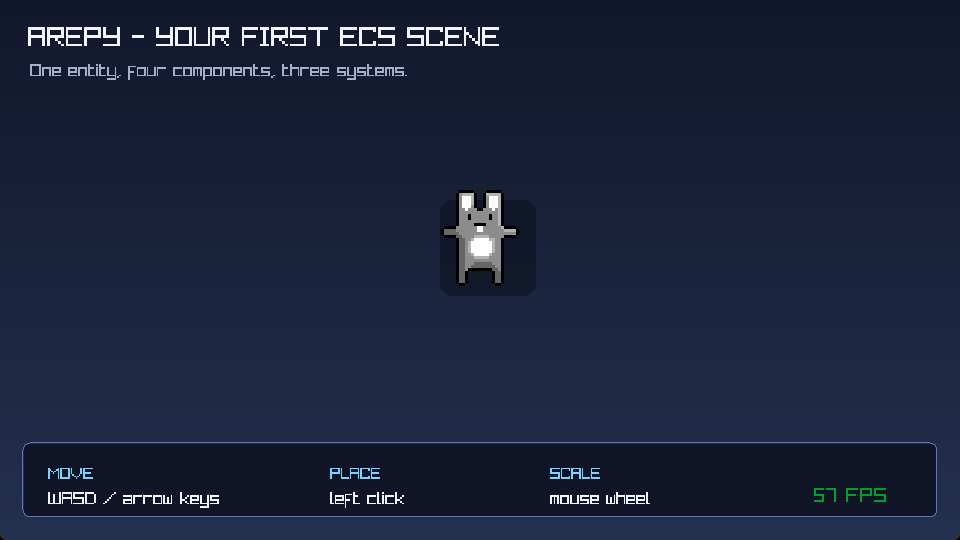
Use this example to learn the engine loop. Its values and draw objects are kept alive and mutated; assets are loaded before the loop.
ImGui panel
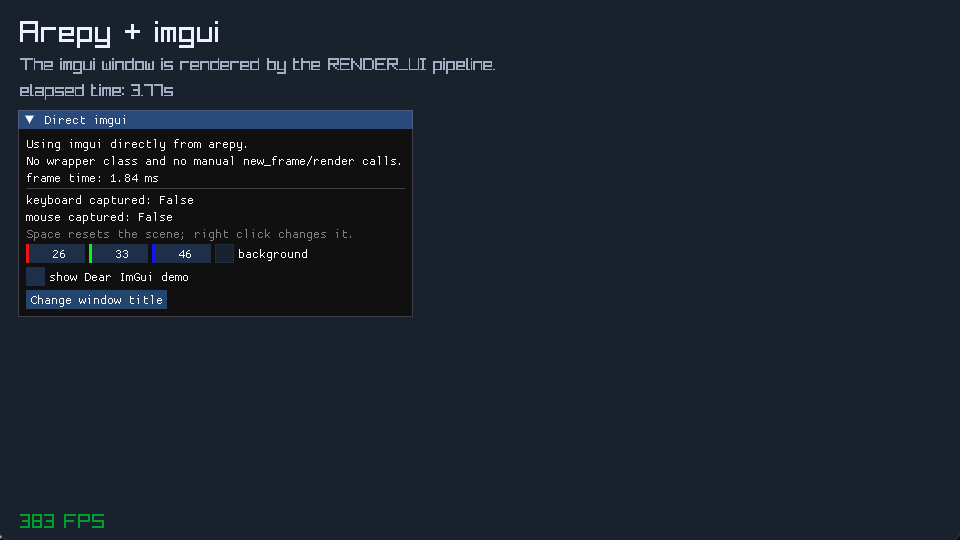
The example builds a normal ImGui window in RENDER_UI. Arepy starts the ImGui
frame and submits the finished draw data.
Gamepad explorer
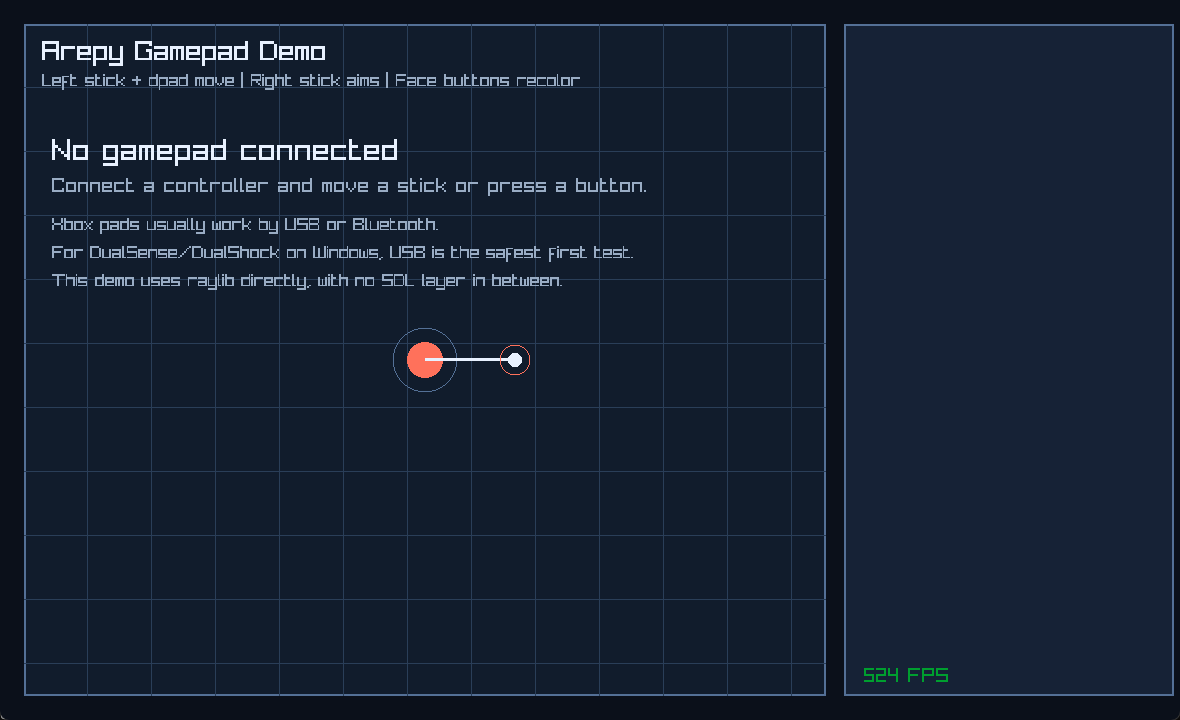
The window also explains the disconnected state, then updates when a controller becomes available.
Audio controls
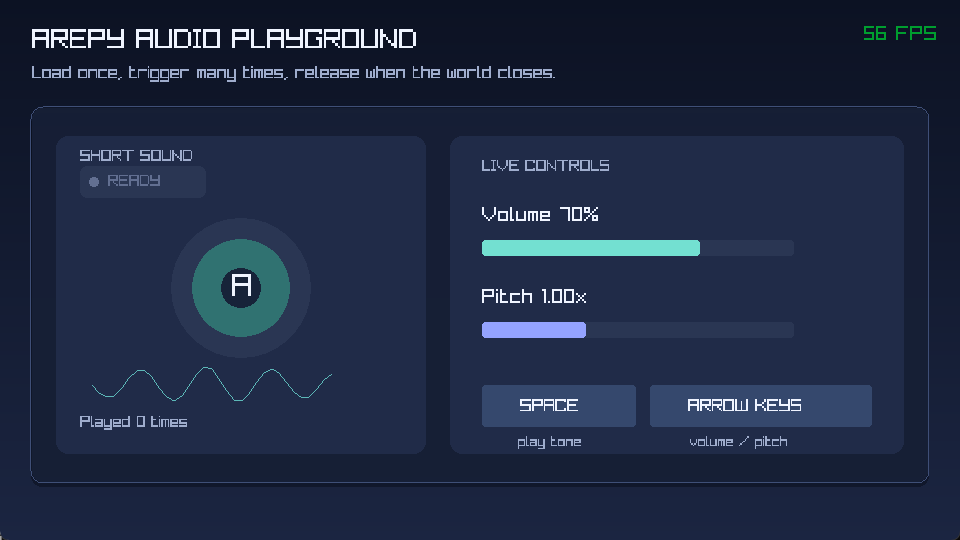
The example generates its short demonstration tone during setup, loads it once, and makes playback state visible.
Timers and cooldowns
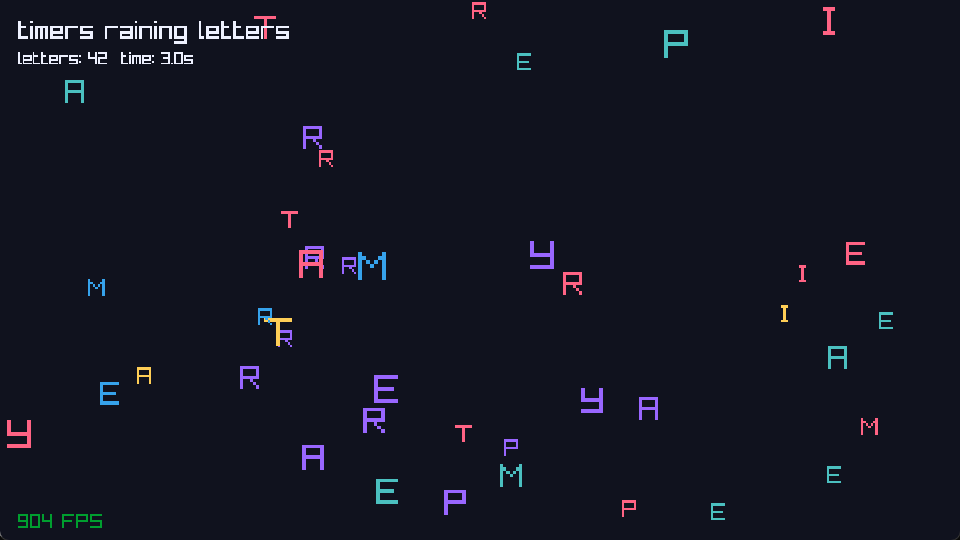
This example turns timer callbacks into visible behavior: individual letters rain into the scene, bounce, and leave room for recycled entity slots.
Animator timelines
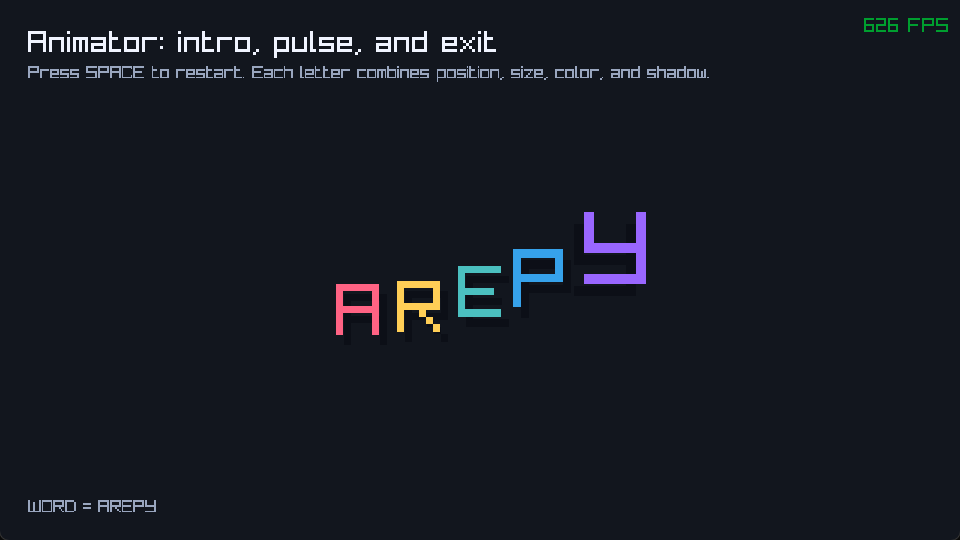
Press Space to replay the sequence. The timeline is created when the animation starts; the render loop reads the existing letter state.
CubeMark 3D
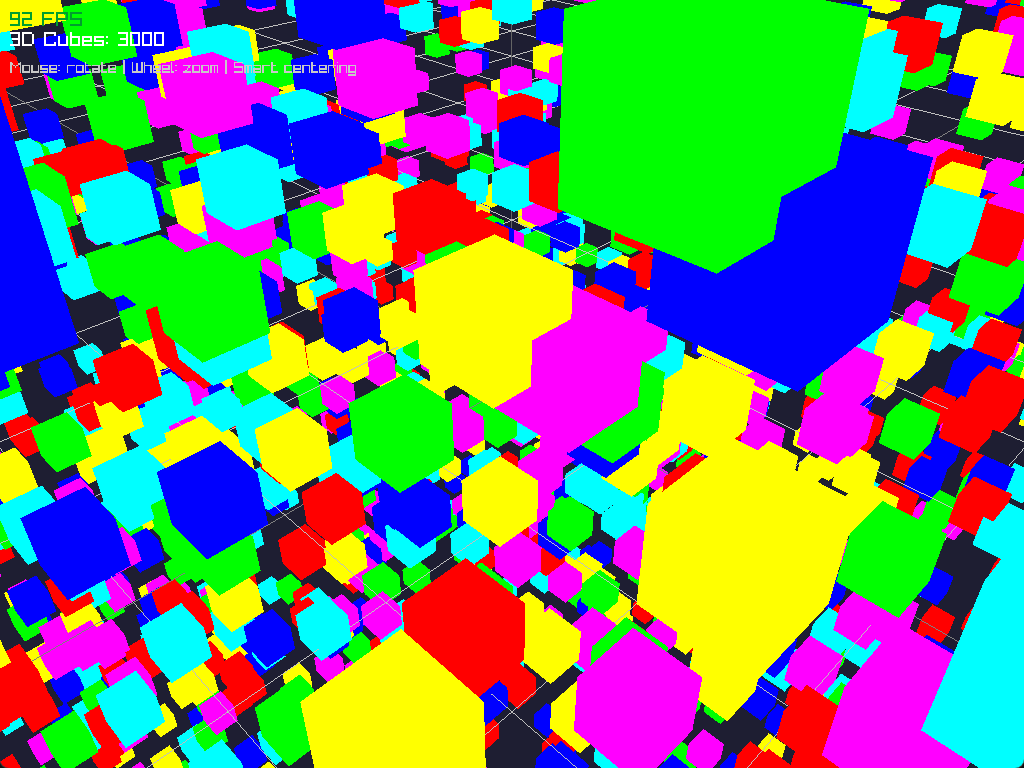
CubeMark is the 3D stress example. It uses normal Query iteration for cube
movement and drawing, so it is useful for understanding where Python-side
per-entity work becomes visible.
Stencil mask
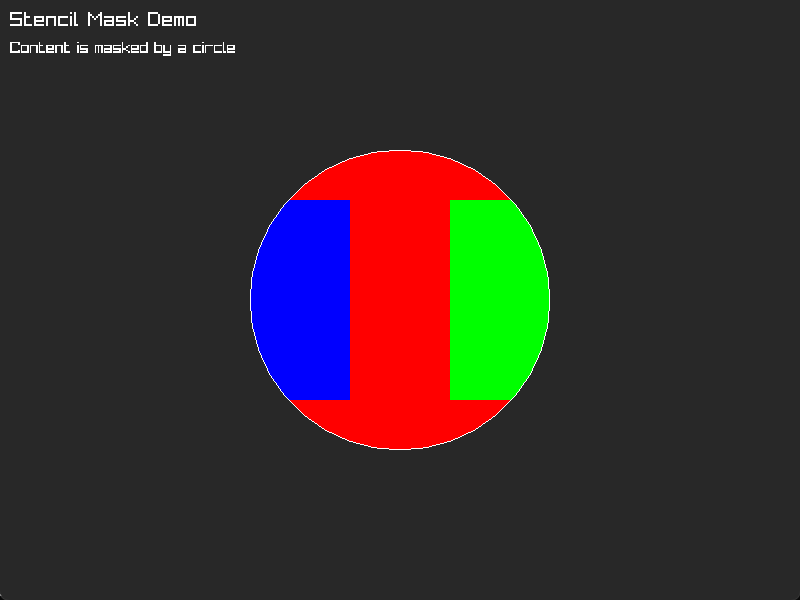
Stencil initialization is attempted once when the world starts. The screenshot shows which parts of the red, blue, and green rectangles survive the circular mask.
Video streaming
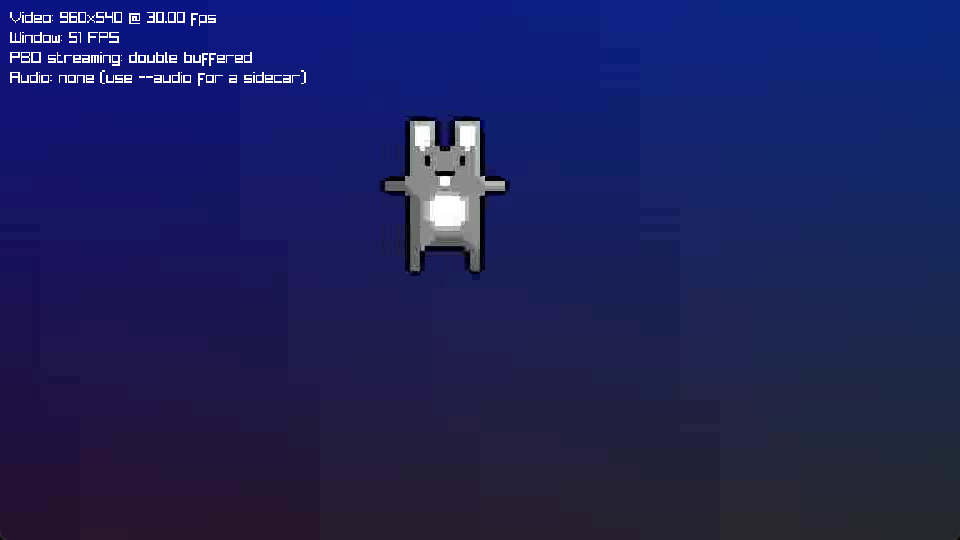
The repository does not include a large sample video, so the input path is
explicit. Add --audio path/to/track.ogg for a sidecar track; omit --silent
to let the example discover a sidecar with the same stem. Decoding happens in
UPDATE, while RENDER draws the already-uploaded streaming texture.
BunnyMark
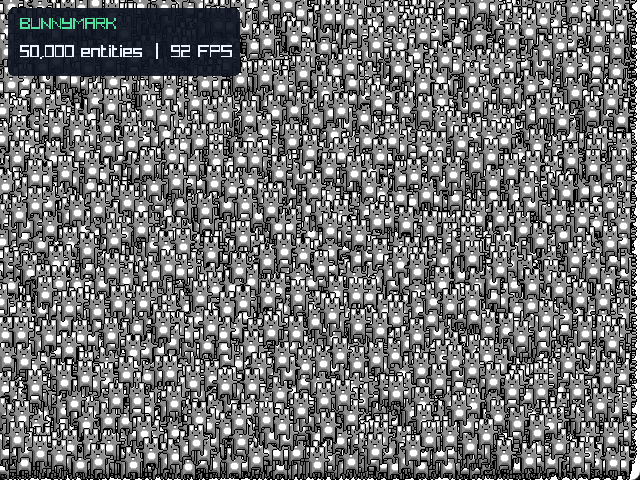
The default count is deliberately large. Change BUNNY_COUNT while learning
or profiling on slower hardware. Use the benchmark harness for repeatable ECS
comparisons; use BunnyMark to observe an integrated render workload.
The structure shared by the examples
Read each file from setup to shutdown. When turning an example into a game, use this sequence:
- Constants and resource objects are created once.
- The engine and world are created.
- Assets are loaded and entities are spawned.
- Systems are registered by pipeline.
- The world is selected and the engine runs.
- The owner releases resources that have an explicit unload operation.
Ownership when adapting an example
The engine's AssetStore is shared by all worlds. It does not automatically
unload an asset when one world closes, so decide who owns every loaded handle:
- A level-owned sound, texture, model, mesh, or material is loaded for that
level and released in
world.on_shutdownwith the correspondingAssetStore.unload_*()method. - An asset shared by several worlds stays loaded until the final user is done; an application-level owner releases it during application shutdown.
- A custom font is not loaded through
AssetStore. Keep theArepyFontreturned byRenderer2D.load_font_ex()and release it withRenderer2D.unload_font(). - Objects such as
Color,Rect, cameras, and state resources are ordinary reusable Python objects; create them during setup and mutate them instead of replacing them in a per-entity frame loop.
Small demonstration programs may rely on process exit after the window closes. When copying their setup into a multi-world game or a repeatedly loaded scene, add the explicit lifecycle ownership described above.
If you want the concepts behind that pattern, return to Your first bunny game.