Welcome

Build a playable 2D game with familiar Python, a data-oriented ECS, Raylib-powered graphics, input, audio, and optional Dear ImGui tools.
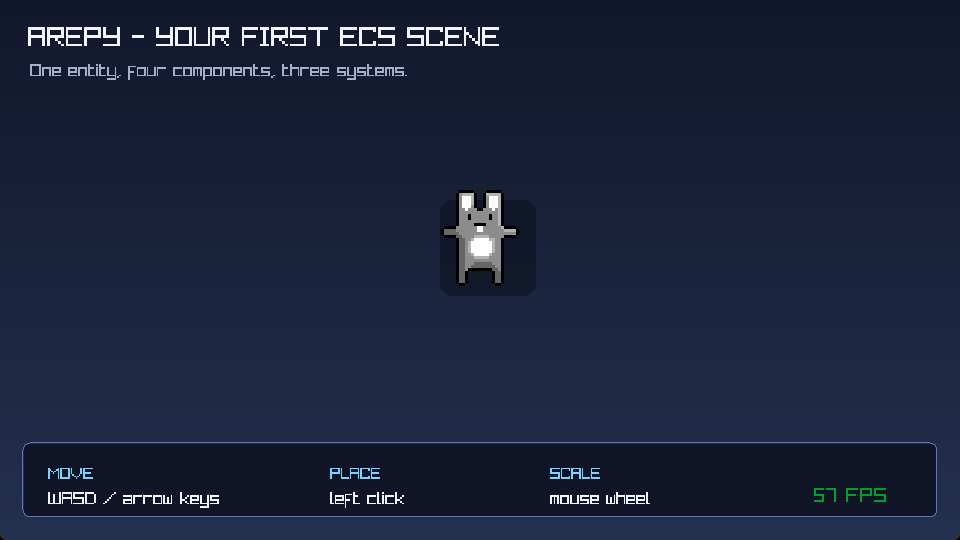
Start with something you can see
The documentation follows the way a game grows: open a window, draw a sprite, move it, respond to input, add sound, and then organize the project for performance and shipping. Each guide explains the idea first, then shows the code that makes it useful.
-
New to Arepy?
Install the package and build the bunny scene one small step at a time.
-
New to ECS?
Learn what entities, components, systems, worlds, and queries mean in a running game.
-
Working on performance?
See how pools, recycled entity slots,
Query, andBatchQueryreduce work in the frame loop. -
Ready to share a build?
Package a project and understand which optional tools belong in a release workflow.
What Arepy gives you
- A
Worldthat owns entities, component storage, resources, and systems. - Plain Python components and systems that keep gameplay code readable.
- Typed
Queryfilters and array-orientedBatchQueryaccess for different workloads. - Graphics, keyboard, mouse, gamepad, audio, timers, animation, and optional ImGui tools.
- Reusable gameplay components such as transforms, sprites, and 2D rigid bodies.
- A build command for turning a project into something other people can run.
Arepy is designed for Python 3.11 through 3.14. When you need exact signatures, the public API reference sits alongside the task-oriented guides instead of replacing them.